🧩 CrawlHive in your terminal
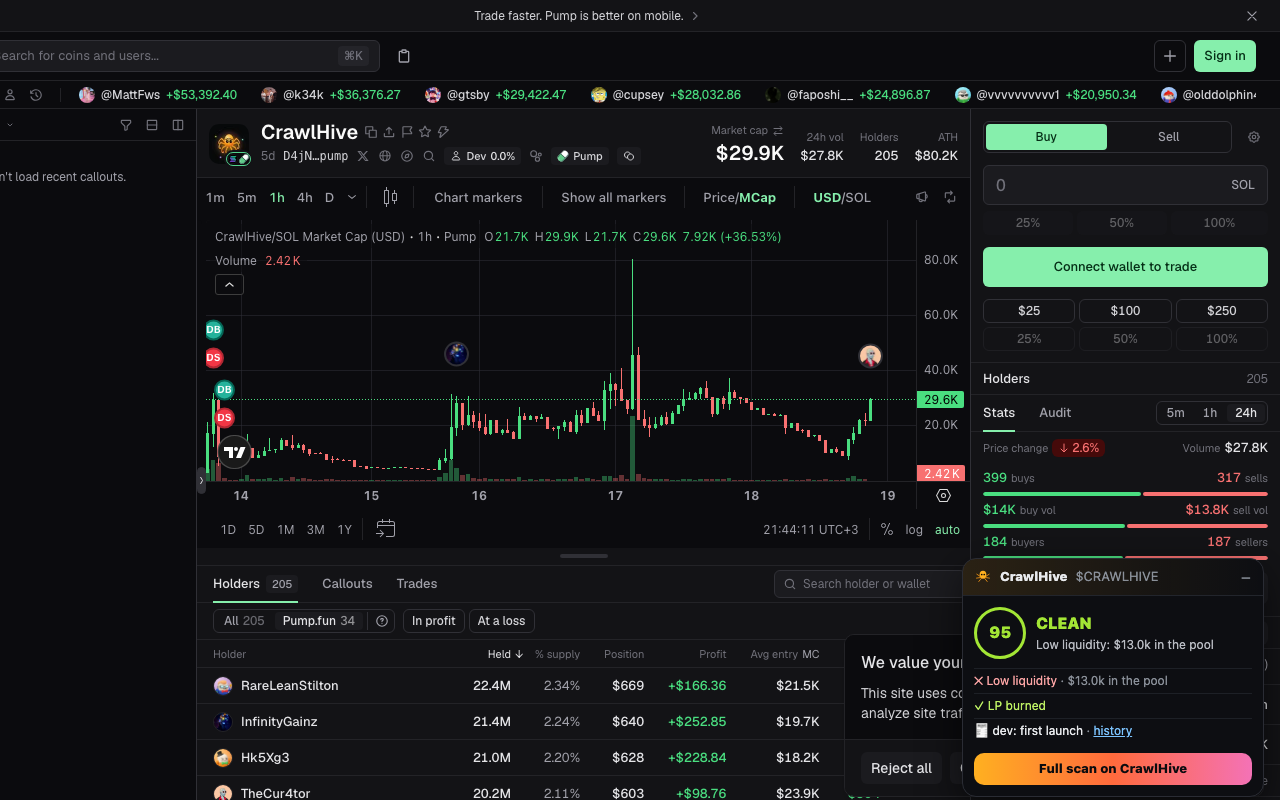
No tab switching. Open a token in your trading terminal and the swarm's verdict shows up in the corner: score, red flags, snipers, linked operators, LP lock and the dev's history.
Works on
GMGNDexScreenerAxiomPhotonpump.funBirdeyeSolscan
What the panel shows
- • Score and verdict: CLEAN, OK, RISKY or DANGER
- • The worst red flags with one-line reasons
- • Snipers, linked operators and dev-funded wallets
- • LP: burned, locked until when, or unlocked
- • The dev's earlier coins, one tap away
- • A second opinion from Larpcheck on the project
Install
🧩 Add to ChromeFree on the Chrome Web Store. Works in Chrome, Brave, Edge and Arc.
Or install it by hand in developer mode:
- Download crawlhive-extension.zip and unzip it.
- Open chrome://extensions and turn on Developer mode.
- Click "Load unpacked" and pick the unzipped folder.
Free, no wallet, no account. Reads only the URL of token pages on these sites. Privacy · Source code